

aMarte user guides
For users who want to get the most out of it
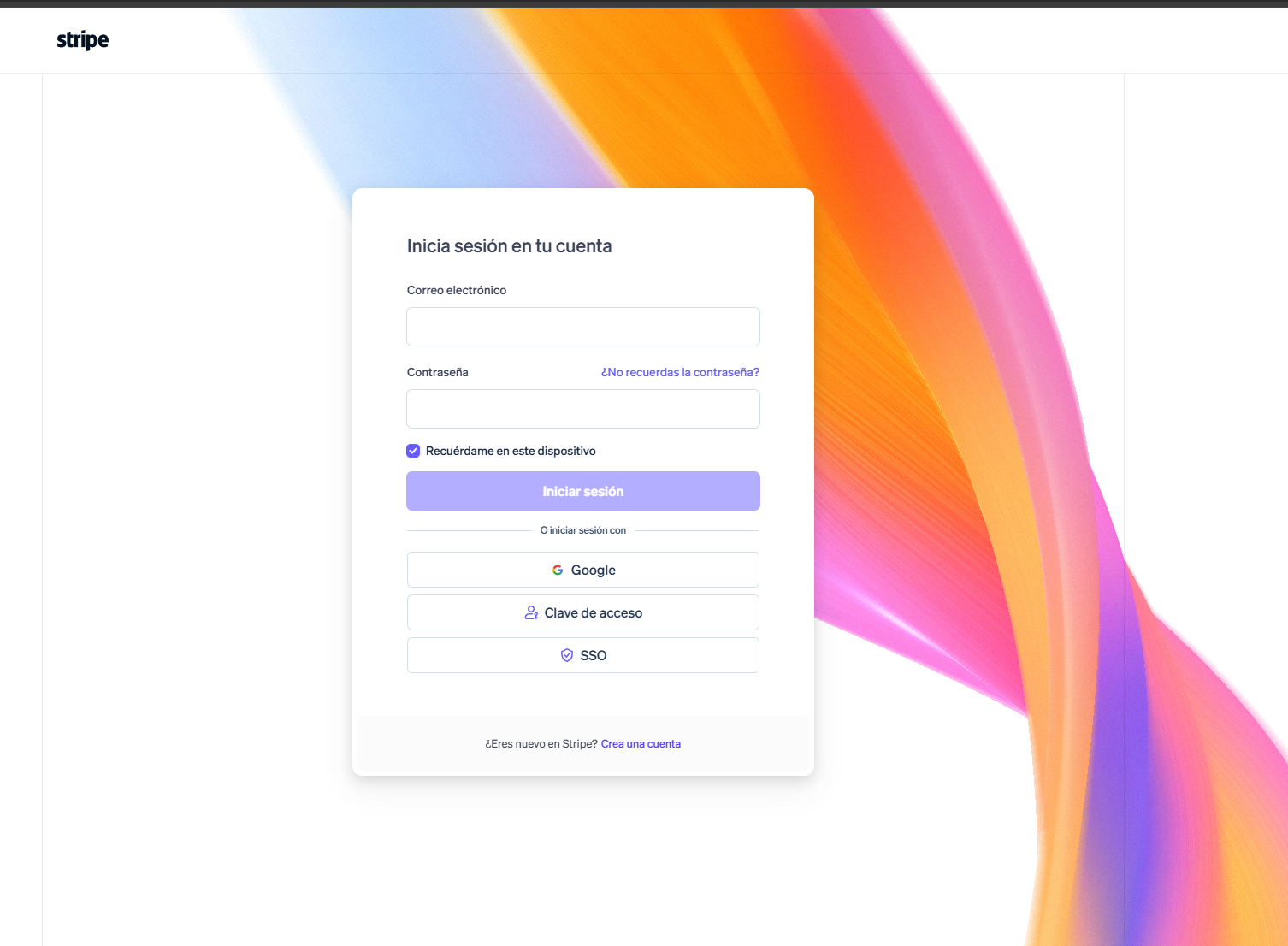
How to reset your Stripe password
Can't access your Stripe account? Follow this step-by-step guide to reset your password and get back into your dashboard.
View guide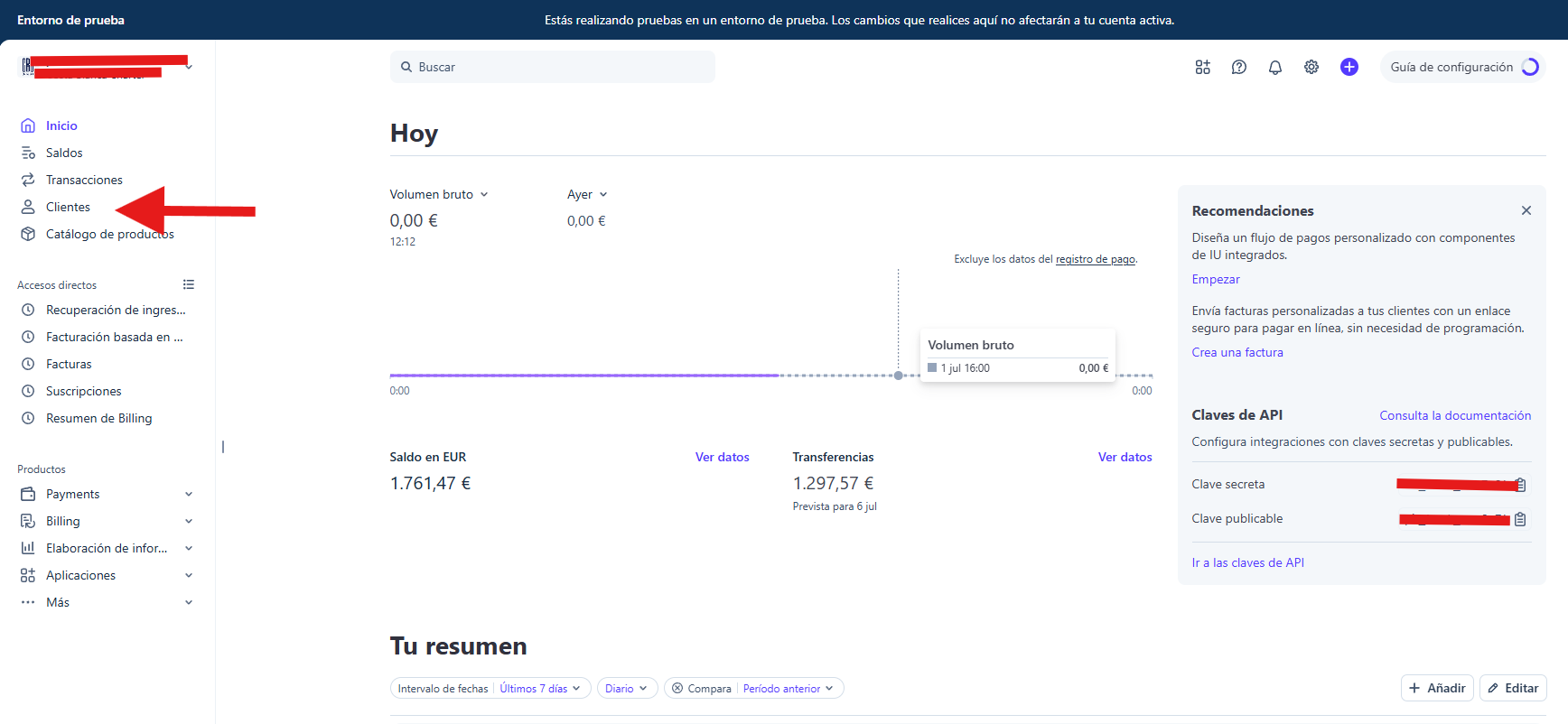
How to find a customer in Stripe
Learn how to find any customer in your Stripe dashboard: open the Customers section, use the search bar and open their profile to see payments and subscriptions.
View guide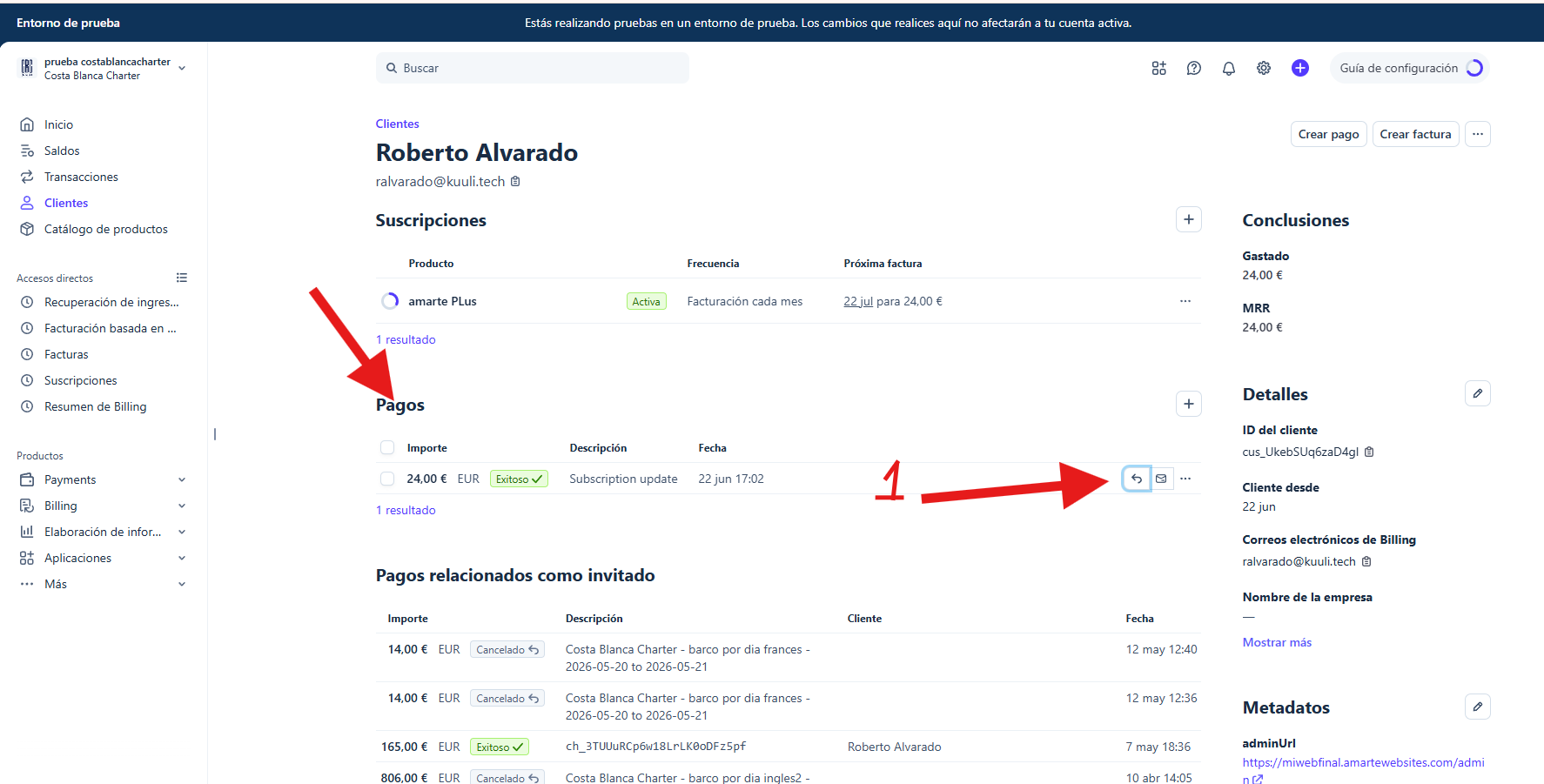
How to issue a refund in Stripe
Refund a payment to your customer in a few clicks: find the payment, choose a reason and confirm the refund from your Stripe dashboard.
View guide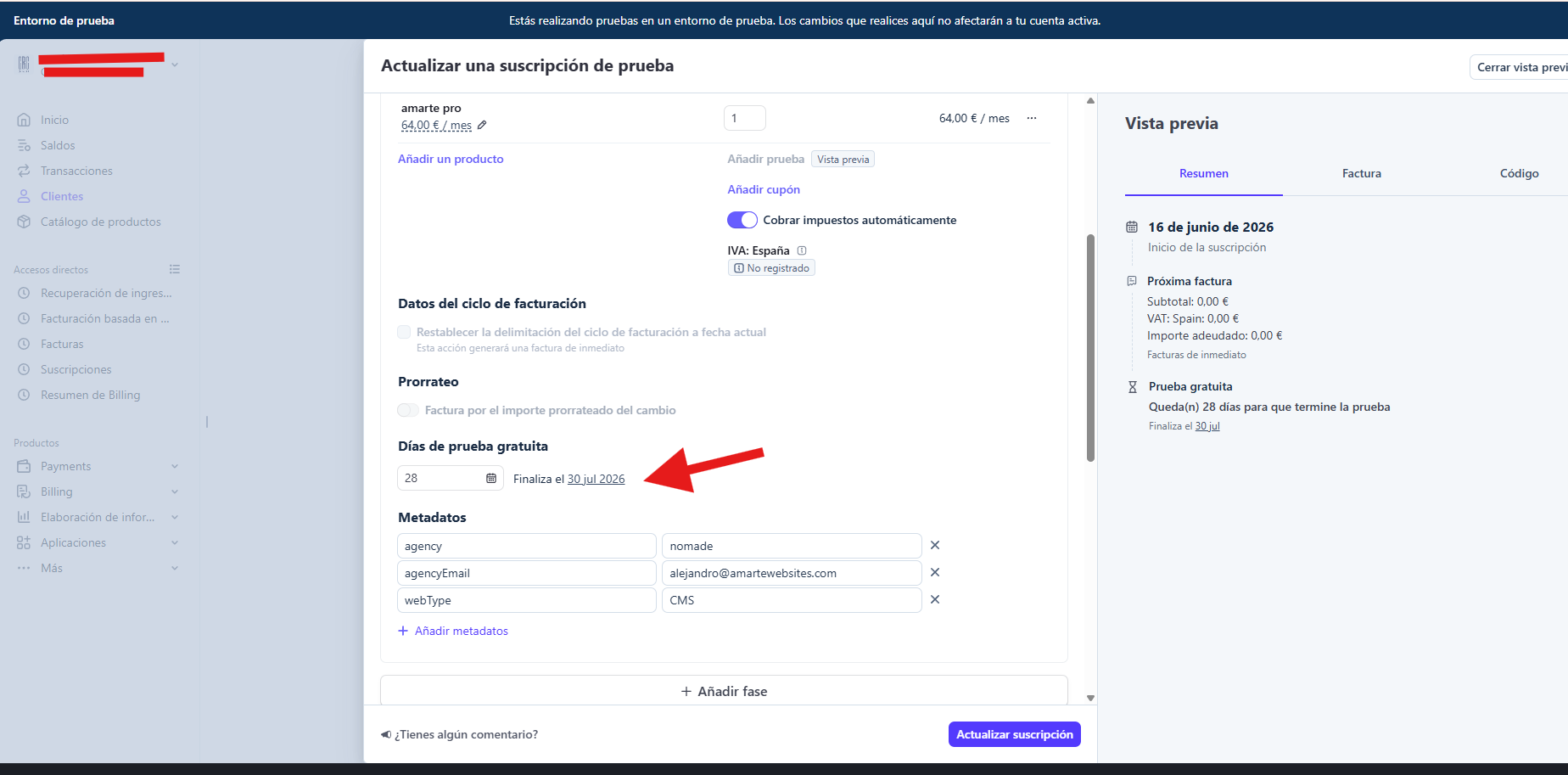
How to delay a subscription's next charge in Stripe
Learn how to push an active subscription's next charge to a later date, without cancelling it or affecting the rest of its billing.
View guide
Configure your Webmail email
Have email with WebMail? With this guide you can set it up quickly on any Android or Mac device.
View guide
RFFM integration
You can now display the most relevant data from your federated football teams on your website thanks to the new sports blocks.
View guideHow to add embed code
The Marte website builder offers several flexible ways to embed external content such as videos, maps, forms or widgets on your pages. This is done through embed code. Below we explain the three methods available so you can choose the one that best suits your needs.
View guide
Mailchimp integration
In this article you can find useful information about Mailchimp and its integration in Marte.
View guide
SEO optimization
Here are some tips to improve your search ranking and your Marte website metrics.
View guide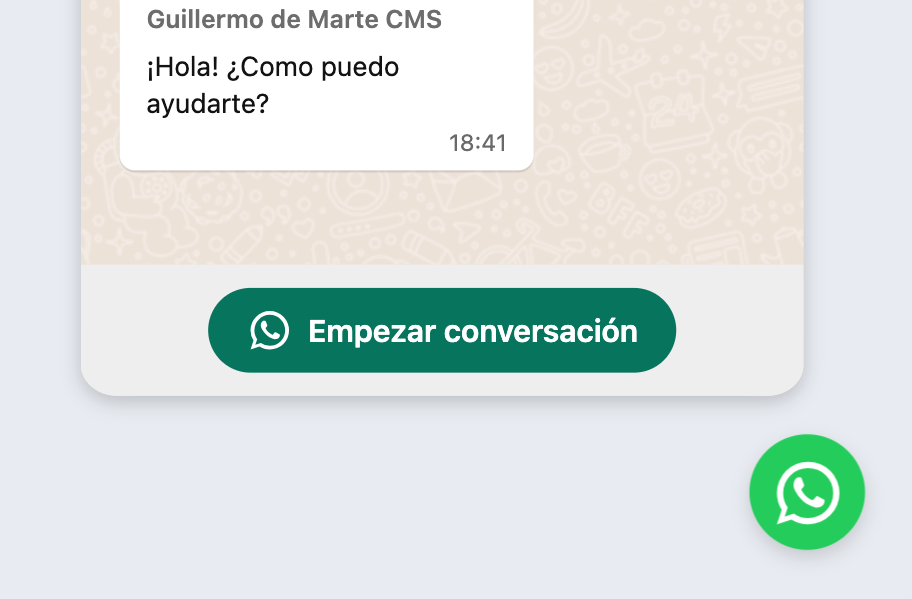
Add a WhatsApp button
Add a WhatsApp widget so visitors can easily start a conversation with you.
View guide
Create redirects
Automatically redirect traffic from one URL to another in seconds.
View guide
Create a blog
Create your blog and articles easily, customize its content and optimize the experience for your readers.
View guide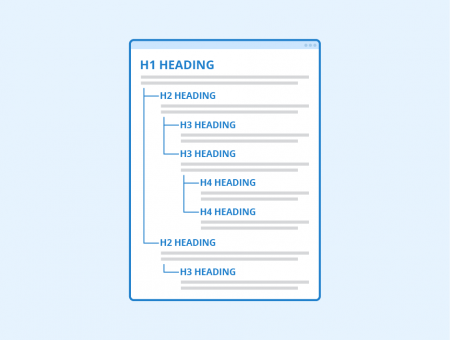
Customize the H1
Customize which text has the <h1> tag to control the SEO strategy of your Marte pages.
View guide
Add multi-language
Add multiple languages to your website and let visitors choose their preferred language.
View guide
Add GTM and Google Analytics
Instructions for adding Google Tag Manager or Google Analytics to your site.
View guide
Add a page in Marte
Create and manage pages on your website in a simple, organized way in a few steps.
View guide
Add a form
Create and customize web forms that fit your site's needs.
View guide
The launch of the Marte website
On this stellar day for your brand, the ship finally takes off into an unexplored digital universe, marking the start of a journey full of opportunities and growth.
View guide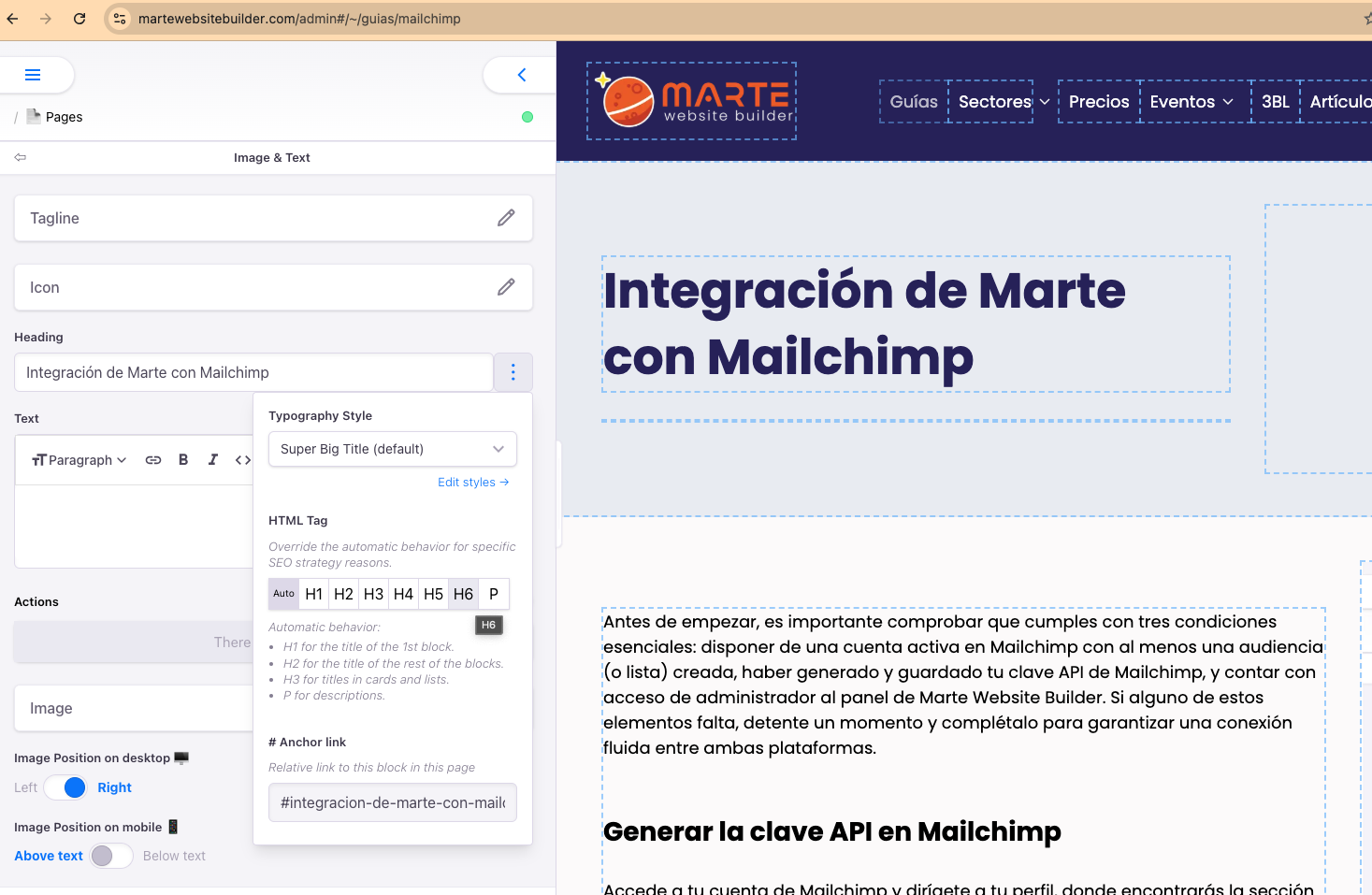
Anchor creation
Anchor links, also known as "jump links" or "fragment identifiers", let users navigate quickly to a specific section within the same page.
View guideUser guide: Move pages via "Rename"
In this article you will learn the quick method to change the location of a file or page from one folder to another by editing its path. This feature also allows you to create new folders on the fly.
View guideHow to manage a sports tournament with the amarte websites editor
Learn how to create and update a tournament on your website: add groups, match results, standings tables and team shields step by step from the aMarte Sports editor.
View guide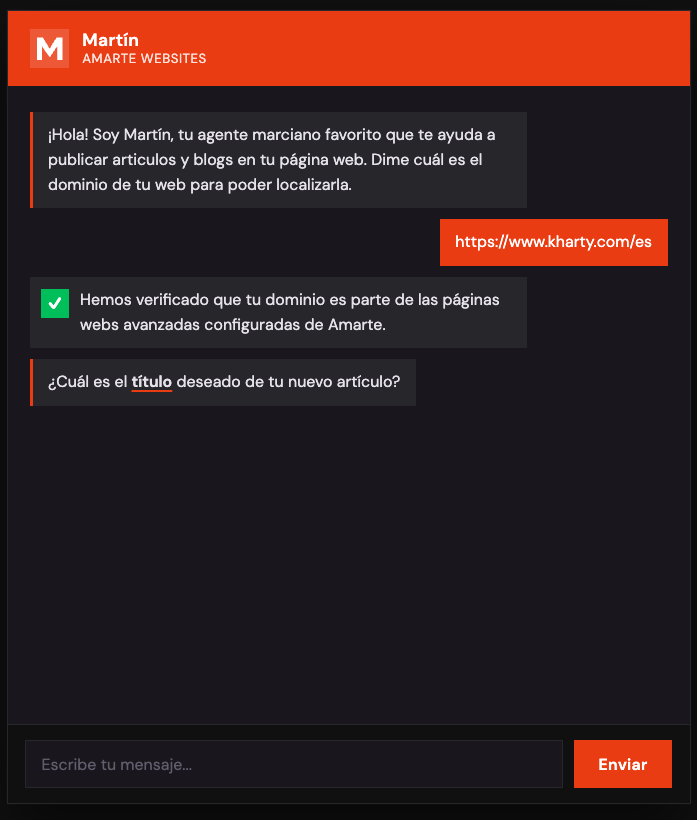
Guide: Publish articles with the Martín chatbot
Learn how to use the Martín chat to request the publication of a new article on your website blog. Follow the step-by-step flow: domain, title, content, tags, slug and ticket confirmation.
View guide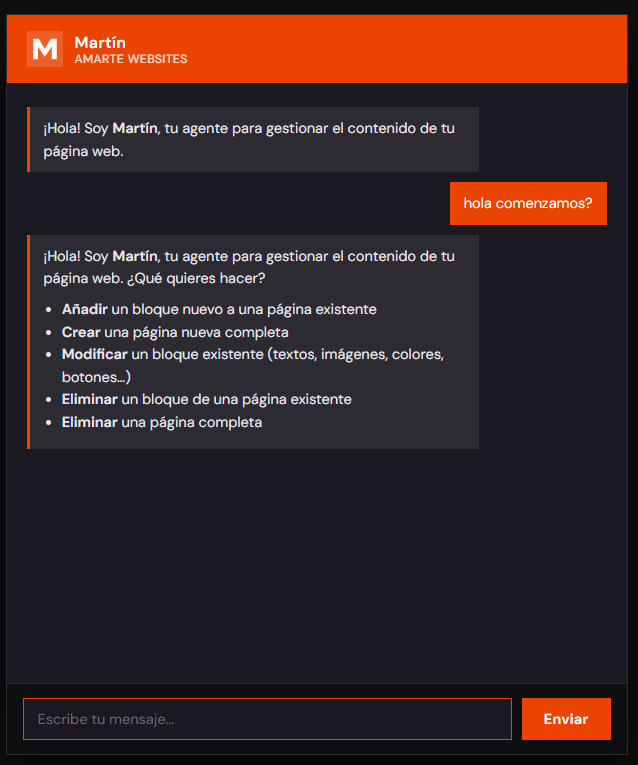
Guide: Manage website content with the Martín chatbot
Learn how to use the Martín chat to add, edit or delete blocks and pages on your website. Follow the step-by-step flow for each request type, through to ticket confirmation.
View guideAgency dashboard guide
Learn how to use the Amarte Websites dashboard: manage your clients' pages, check billing metrics, filter by status and access admin credentials.
View guide
Configure your website's domain
Connect, verify and publish your website's domain directly from the Amarte dashboard, without needing to write to us.
View guide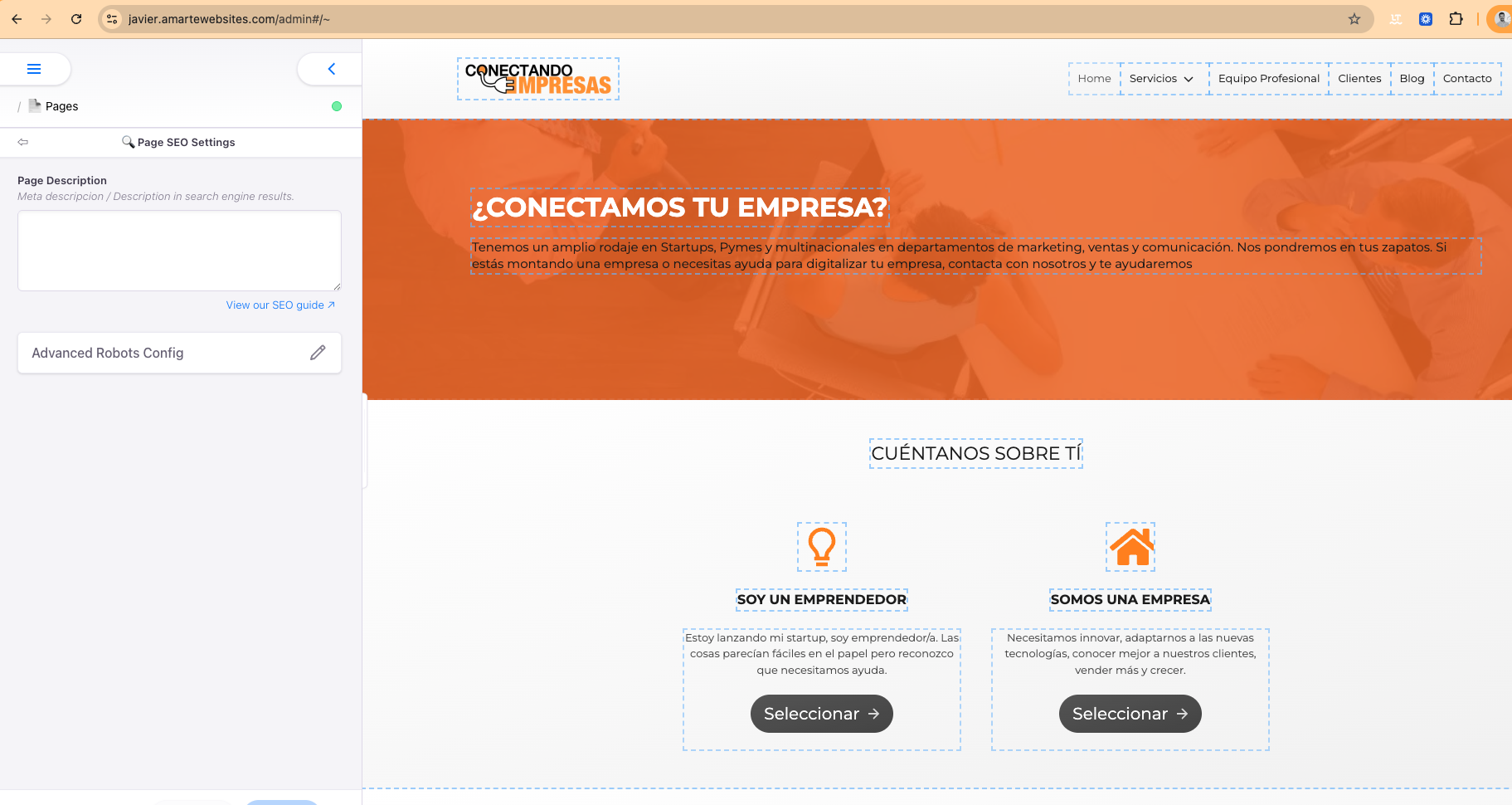
Where to write the meta description
Learn how to find and fill in the meta description field in the Marte editor so your page appears correctly in Google.
View guide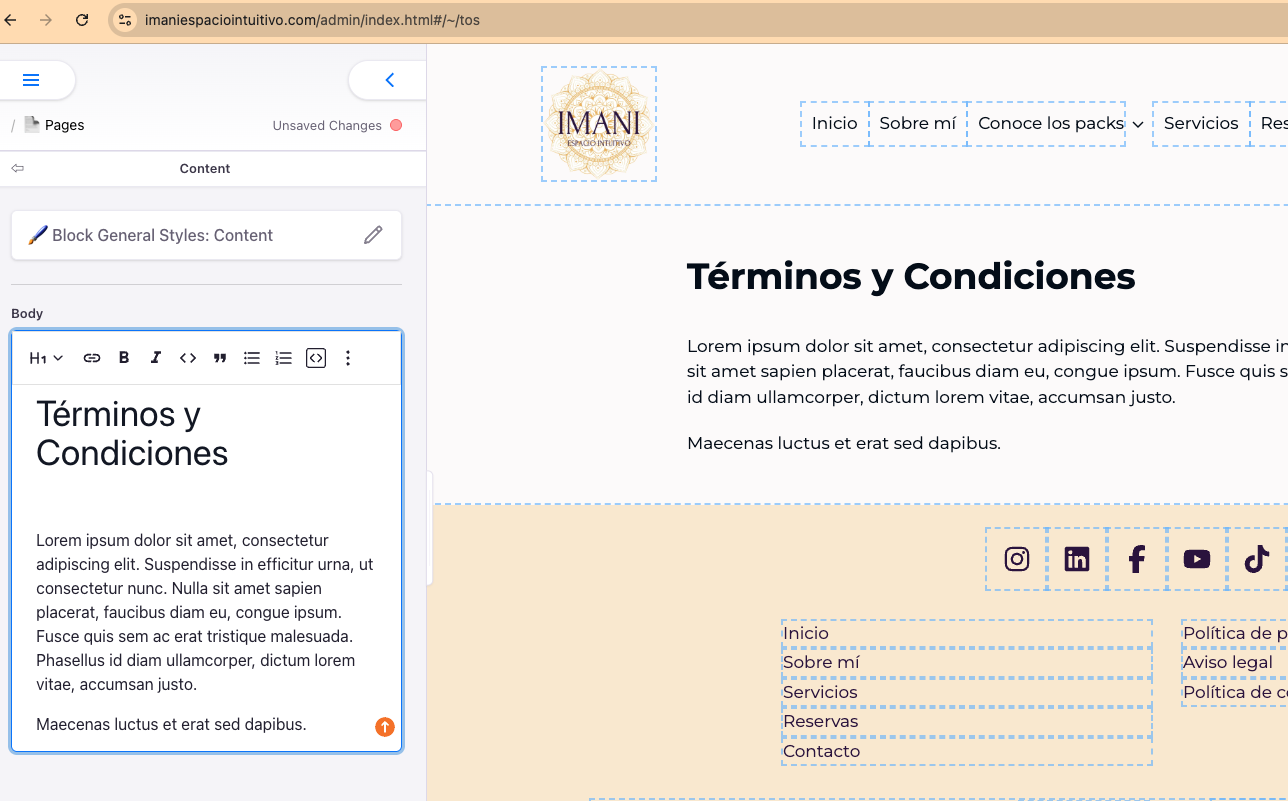
How to update your Terms and Conditions
Learn how to find the Terms and Conditions page in the admin panel and edit its content: cancellation policy, refunds and terms of use.
View guide
Check for free if AI can read your website
In 2 minutes you'll know what AI sees of your business today and how much you can improve. No commitment.