
Marte Guide
Display your Football Team Information
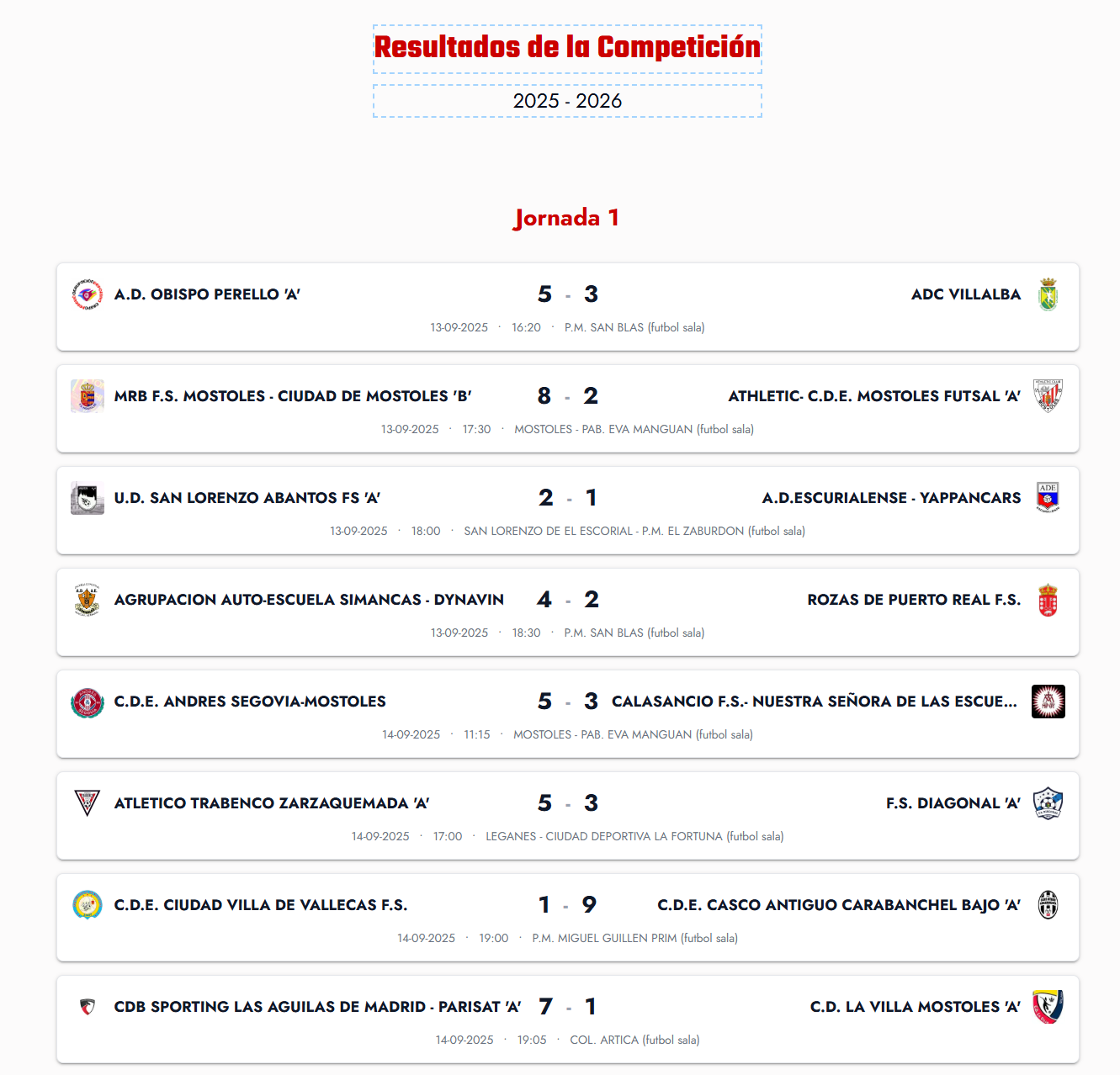
Marte Website Builder now has automated blocks to show all the information for football teams. You can use blocks to display: Calendar, Standings and Top Scorers table. Here we show you how to set them up.
To use the new blocks you need the following information:
Step 1: Team information
- Competition year
- Type of game (11-a-side, 7-a-side, etc.)
- Competition category
- Group your team plays in
Step 2: Get the references from the RFFM (Madrid Football Federation)
- Go to the RFFM page (calendar section) and enter the data from step 1.
- You will get a page with a URL from which you will extract the references (season, game type, competition, group).
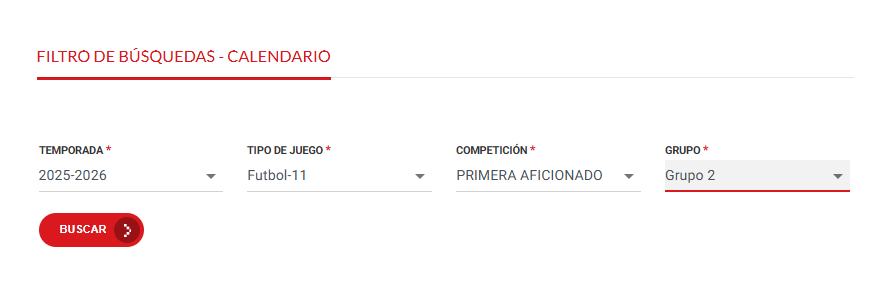

Step 3: Fill in the block with the references
- Enter the references you obtained (season, game type, competition, group) in their corresponding fields in the Marte block.
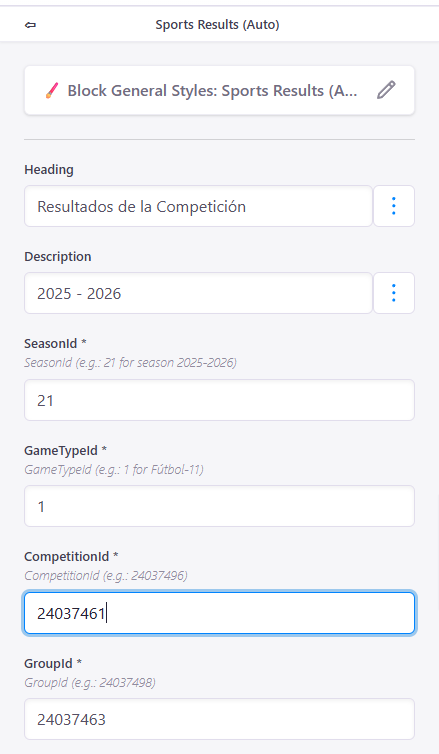
Step 4: Save the changes
- Save the changes and you will be able to enjoy your team's information always up to date with the official data.