Marte Guide
Customise the H1
Customise which text has the <h1> tag to control the SEO strategy of your Marte pages.
The H1 should contain the main keywords and generate interest. Learn more about best practices for H1 and other headings on the Seobility wiki.
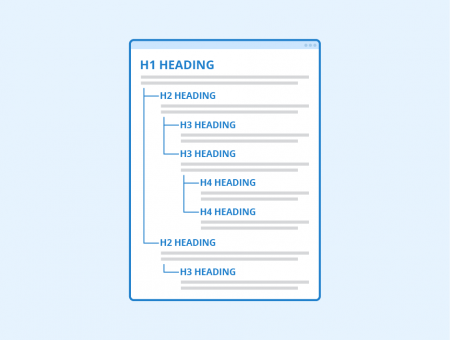
Figure: H1-H6 headings - Author: Seobility - License: CC BY-SA 4.0
Understand
Default behaviour
By default, Marte generates H1 tags as follows:
* The title of the first block on the page is H1.
* The titles of the following blocks are H2.
* Descriptions and taglines use paragraph <p> tags.
The easiest way
How do I change the tag?
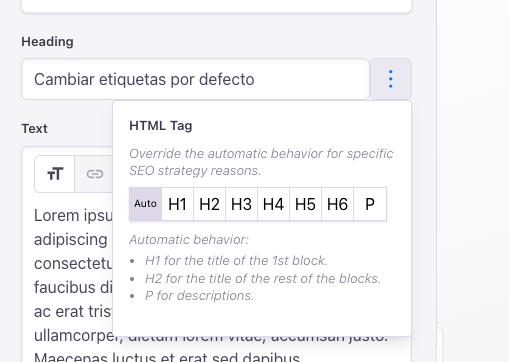
To the right of all block title and description fields, you will find a three-dots button that lets you customise the HTML tag used.
So you could make the first block's title not use H1.
Likewise, you can assign H1 to its description, or to another block's title.
Specify which tag to use in rich text fields
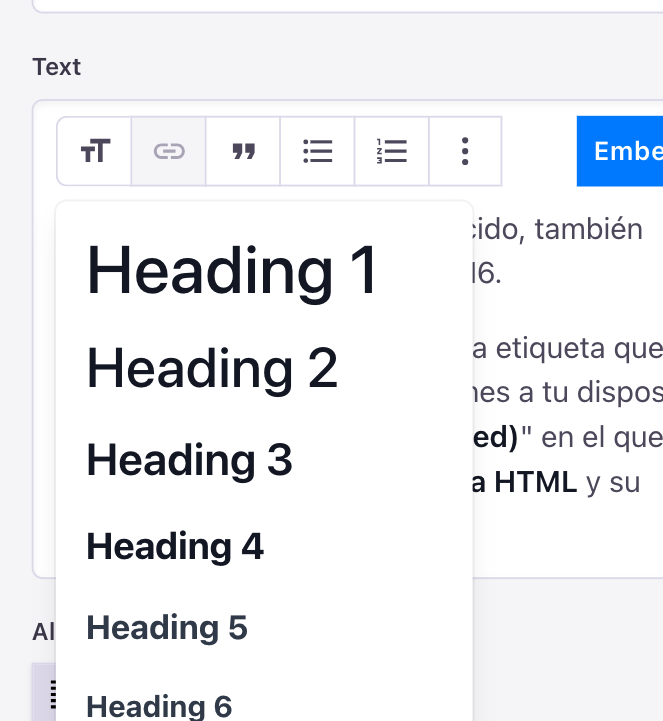
In rich text, you can also insert H1-H6 tags.
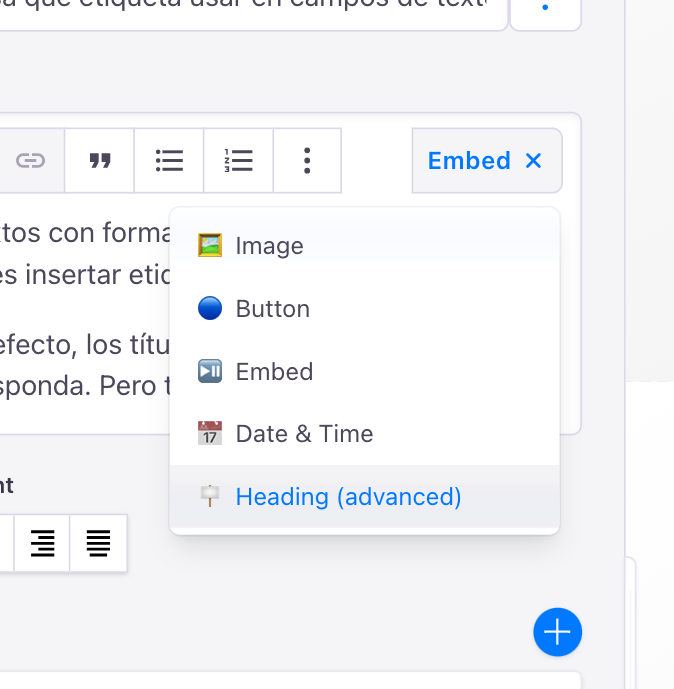
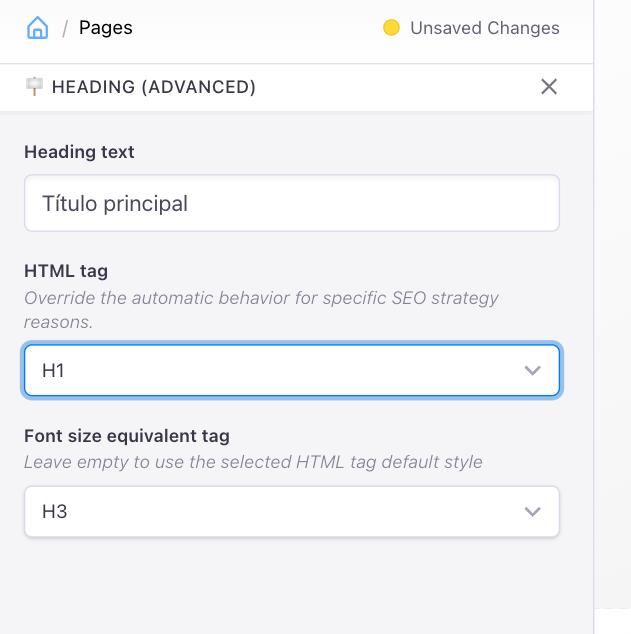
By default, headings will use the appropriate tag. You also have the "Heading (advanced)" element, where you can set its HTML tag and font size.
And finally...
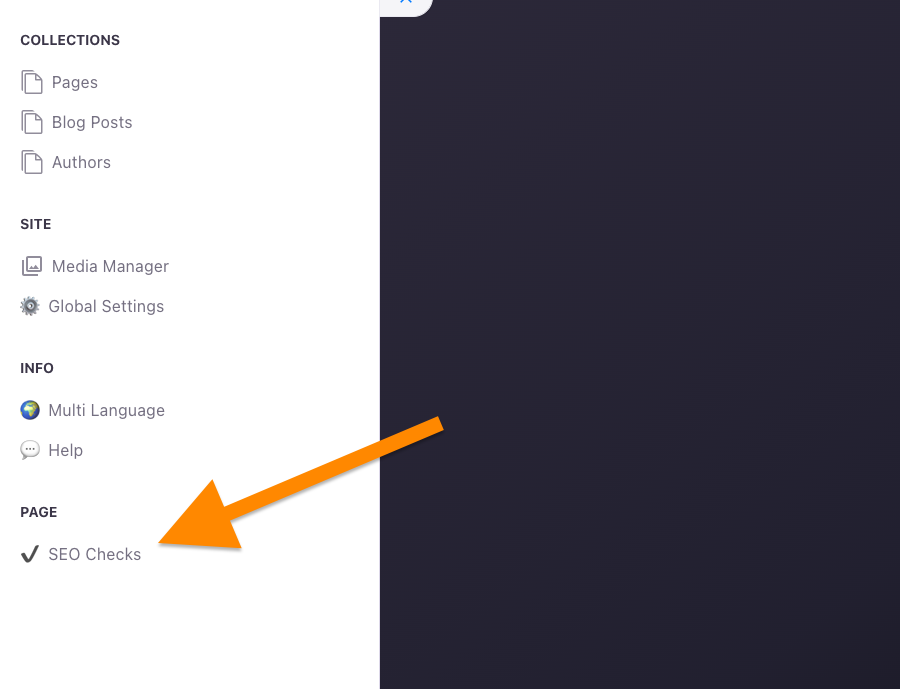
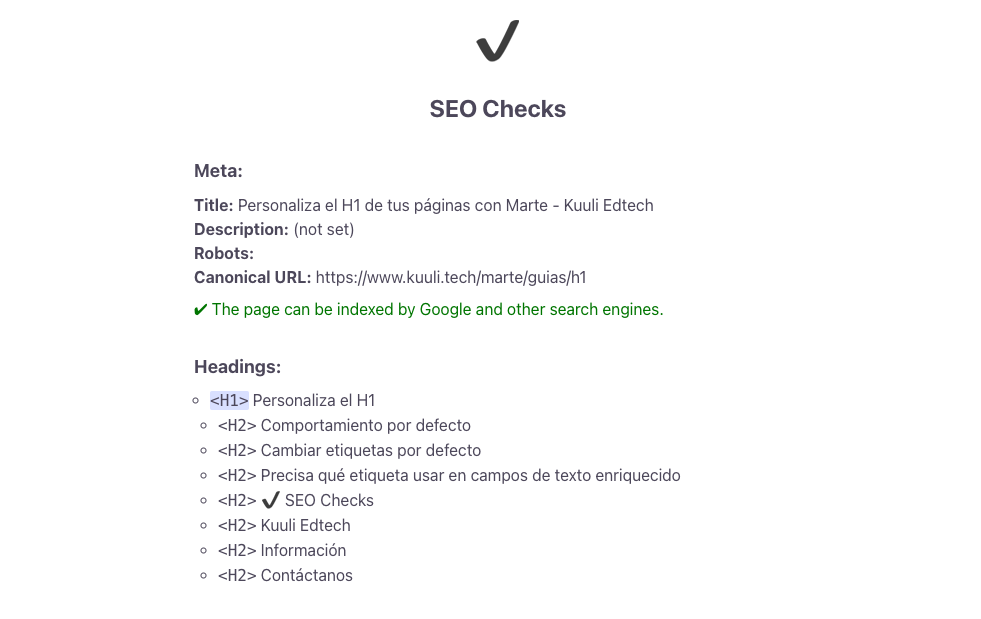
✔️ SEO Checks
Use Marte's SEO analysis tool to check that the H1-H6 tags are what you want.