
Payments: Billing
How to view and download your invoices
Before you start
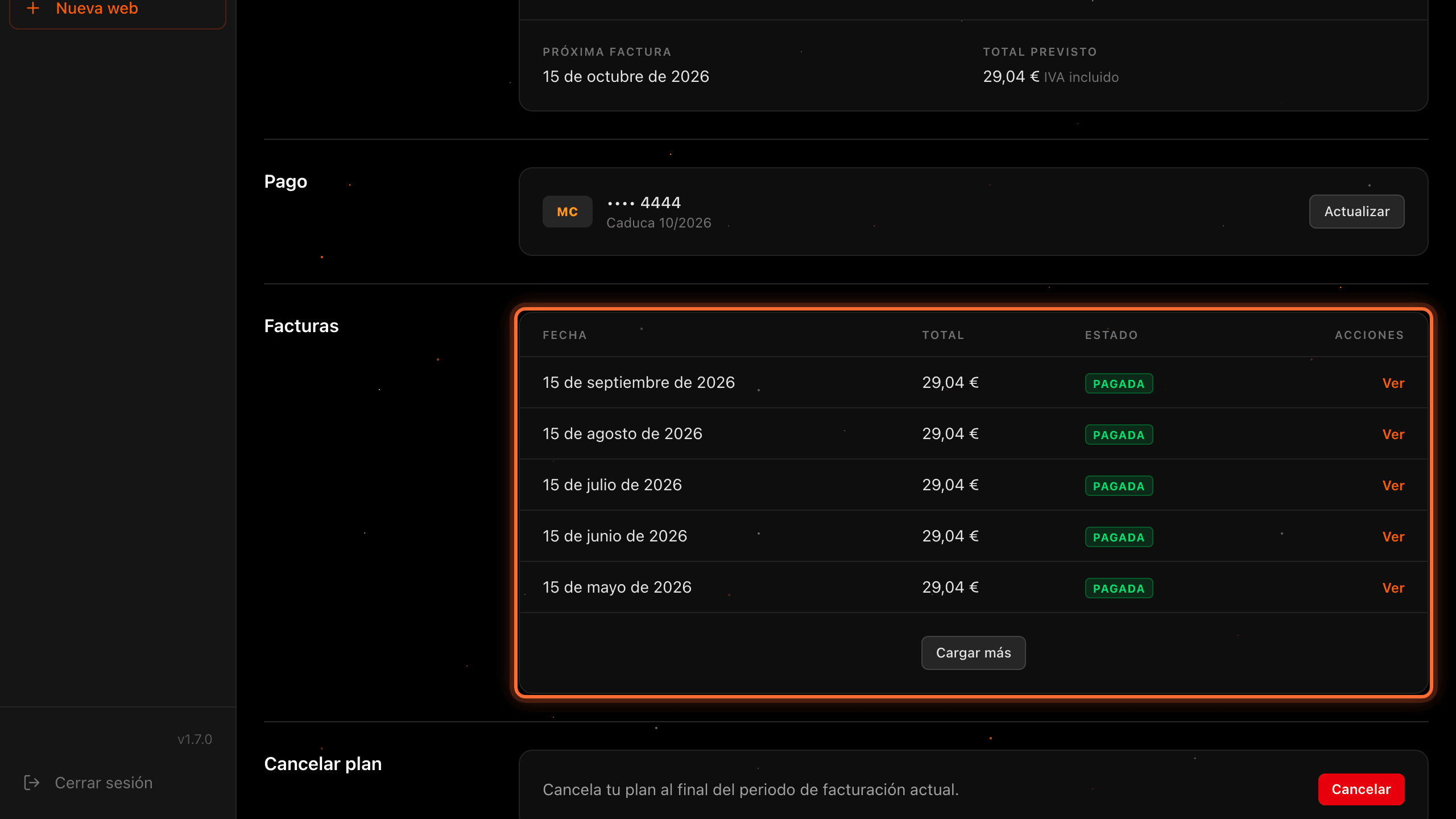
All your website's invoices are in the "Facturas" (Invoices) section of the "Facturación" (Billing) tab, from newest to oldest, with their date, amount including VAT and status. From there you can open each one and download it as a PDF. The panel is in Spanish, so this guide quotes its labels in Spanish with their meaning in brackets.
Tip: Need your invoices for your accountant? Open them one by one with "Ver" (View) and save the PDF; "Cargar más" (Load more) takes you to the older ones.
Step by step
Step 1
Open your website's "Facturación" (Billing) tab
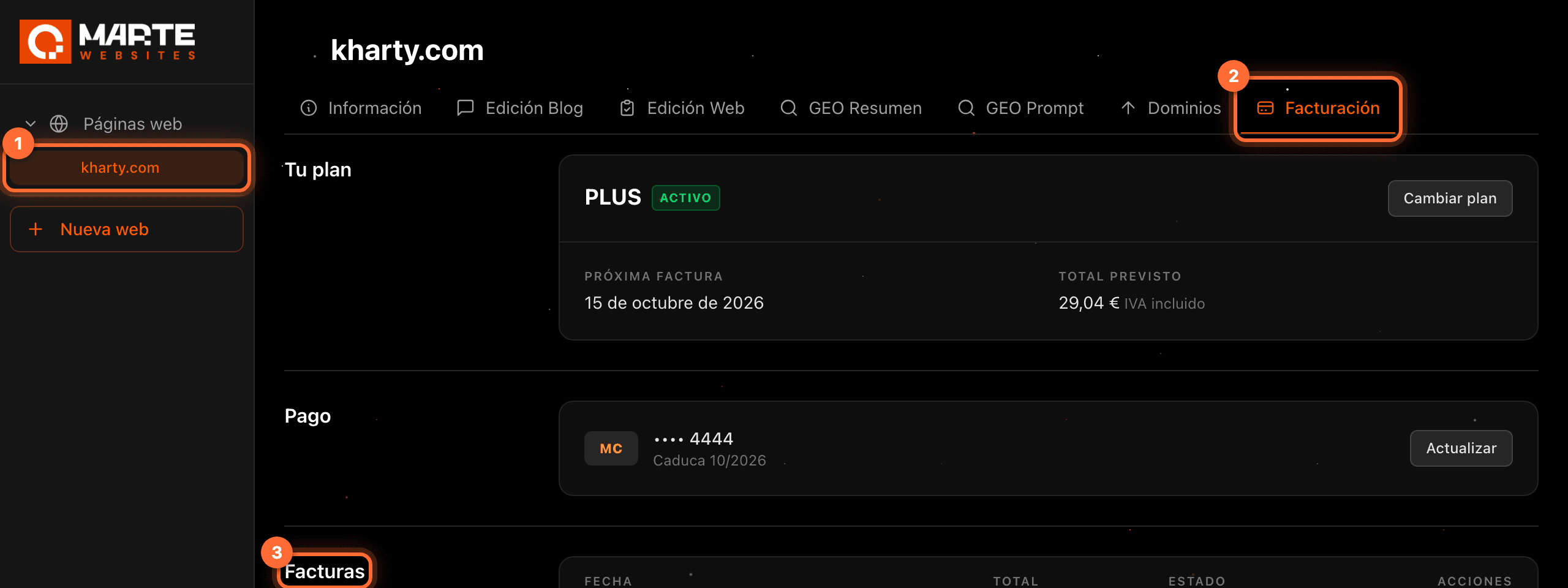
Sign in to the aMarte Websites panel, click your website in the left-hand menu (①) and open the "Facturación" (Billing) tab (②). Scroll down to the "Facturas" (Invoices) section (③).
Step 2
Read the list of invoices
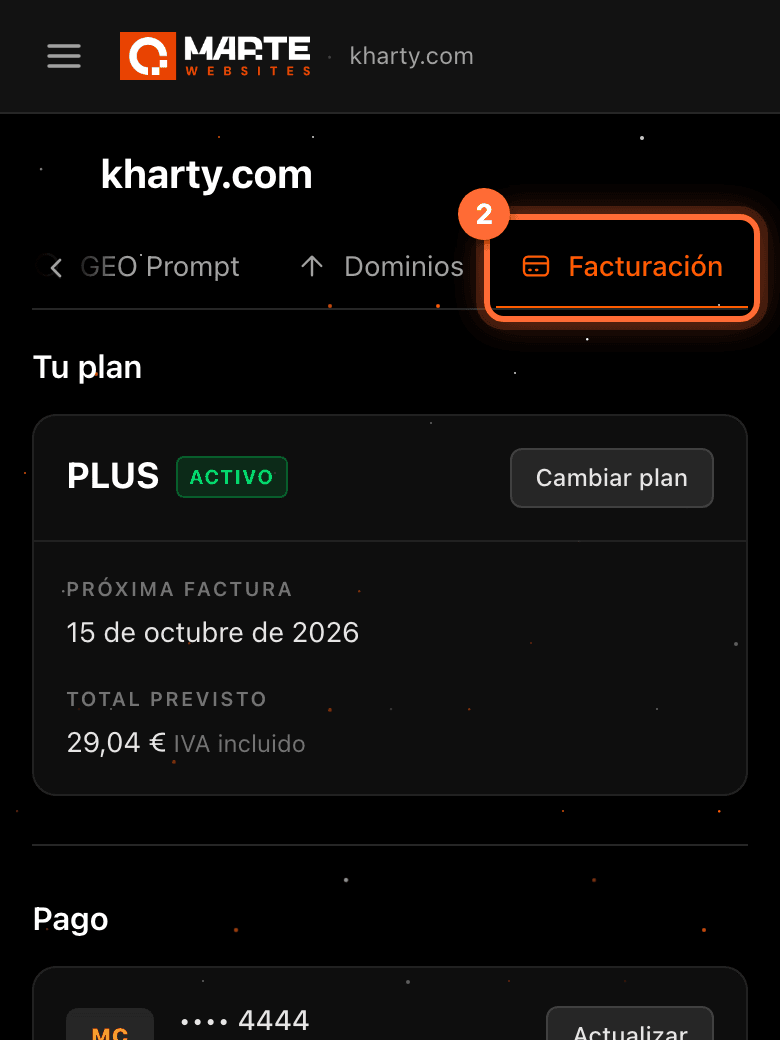
Each row is an invoice: "Fecha" (Date) (①) is the day it was issued, "Total" (②) is the amount including VAT and "Estado" (Status) (③) can be: • "Pagada" (Paid): already charged. • "Pendiente" (Pending): issued and not yet charged. • "Fallida" (Failed): the charge didn't go through. Check your card in the "Pago" (Payment) section. • "Anulada" (Void): the invoice was cancelled and you don't have to pay it.
Step 3
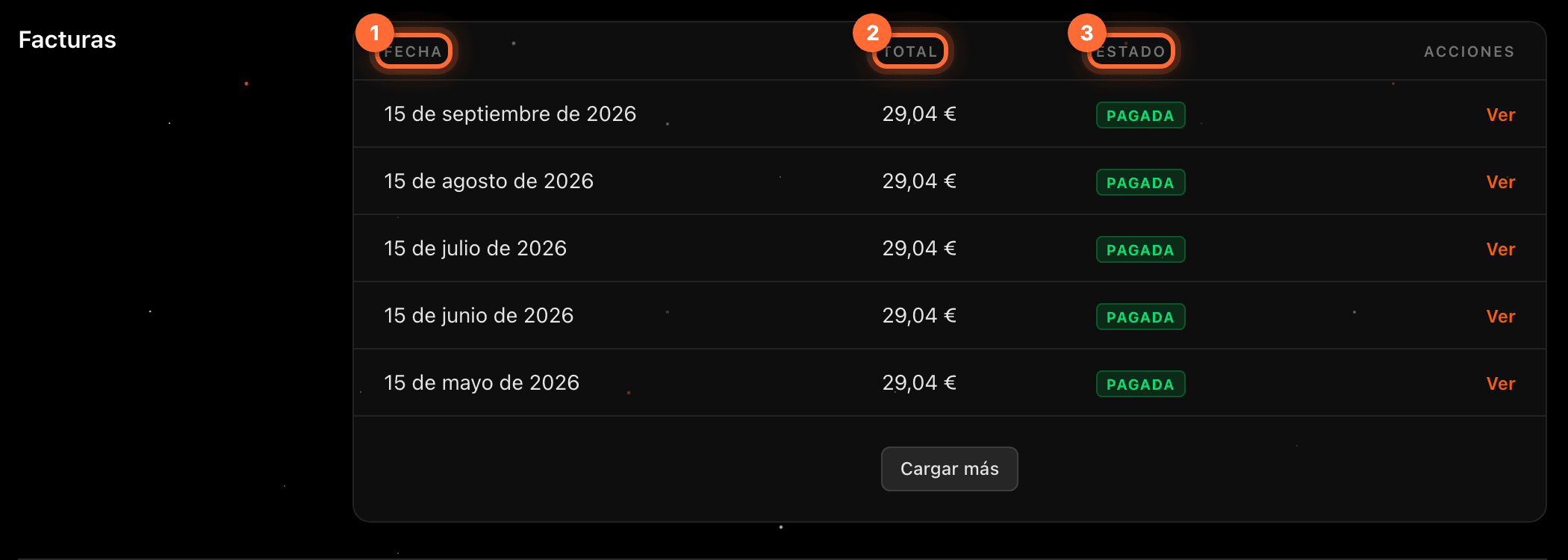
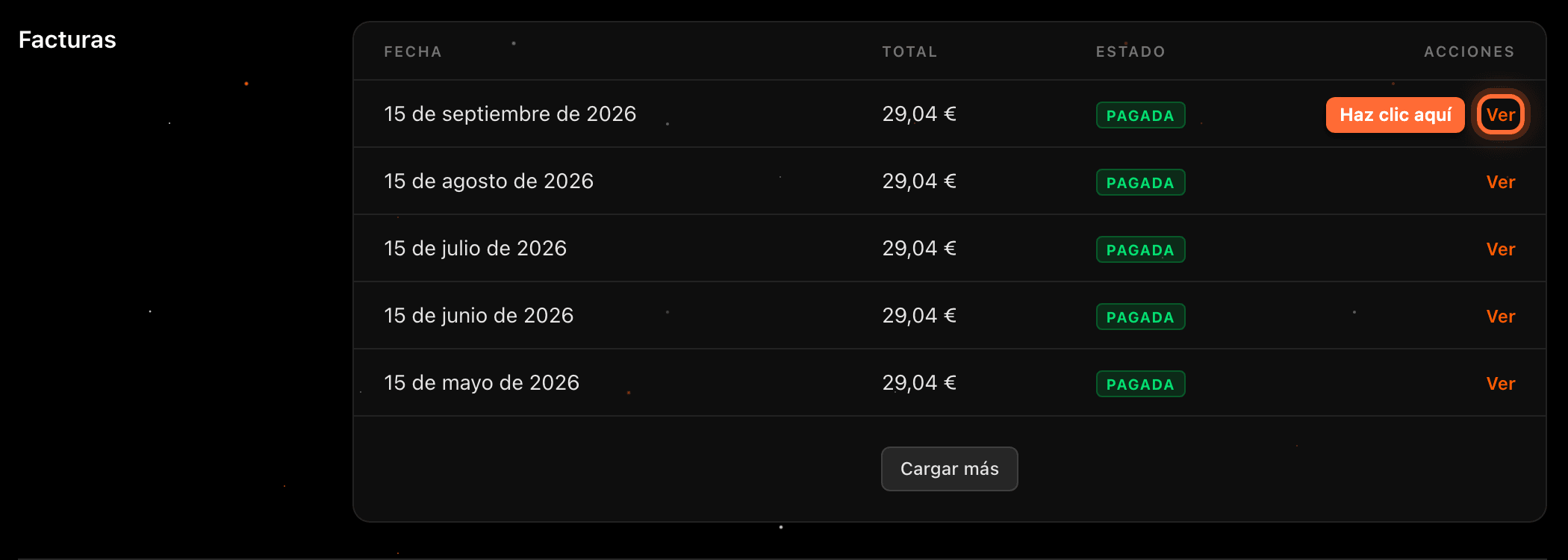
Click "Ver" (View) to open or download an invoice
Click "Ver" (View), on the right of the invoice. It opens in a new browser tab: usually the invoice PDF, which you can download or print from there; if the PDF isn't available, the invoice page on Stripe, our payment provider.
The PDF is generated by Stripe, so it is not shown here.
Step 4
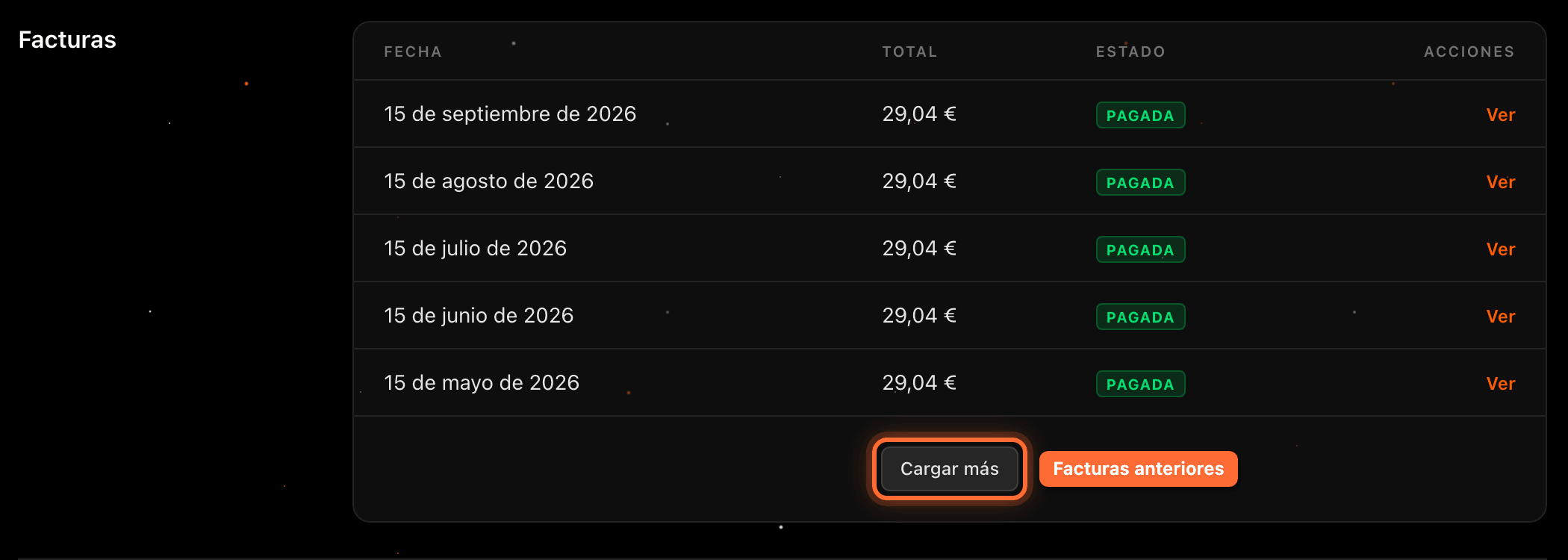
Click "Cargar más" (Load more) to see older invoices
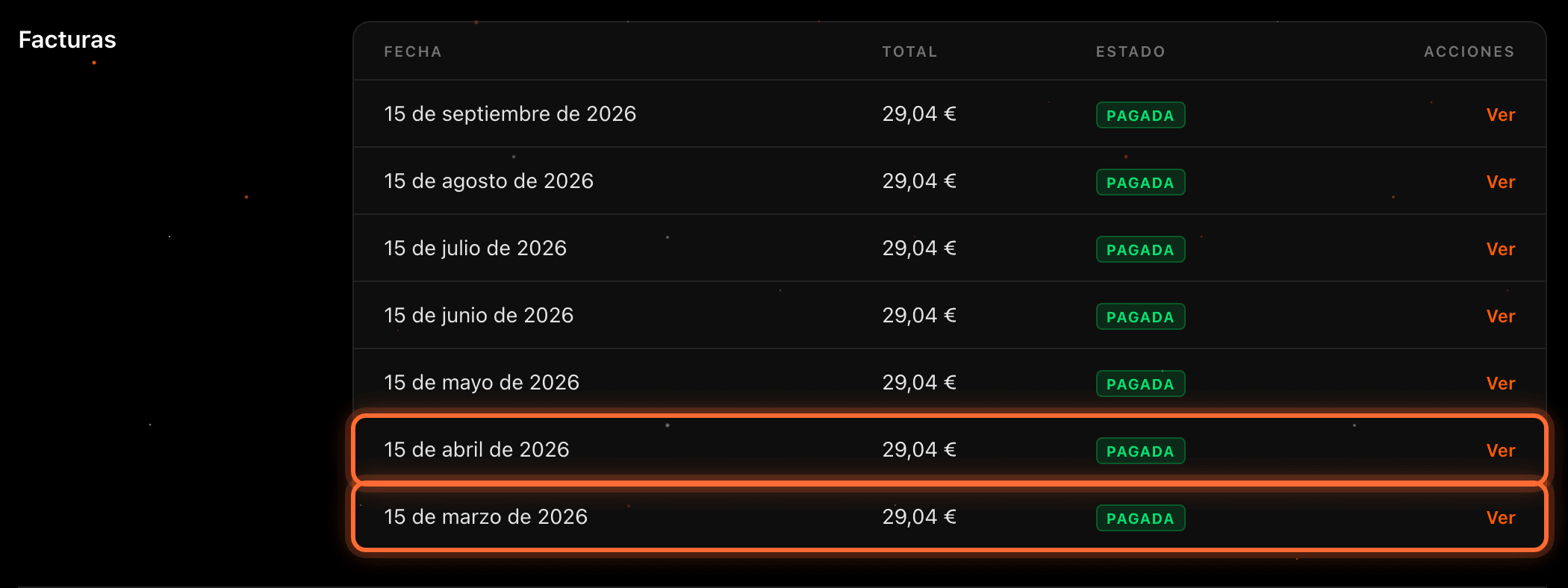
The list shows the most recent invoices first. To see older ones, click "Cargar más" (Load more) at the bottom of the list; they are added below. You can click it again until there are none left: then the button disappears.
Step 5
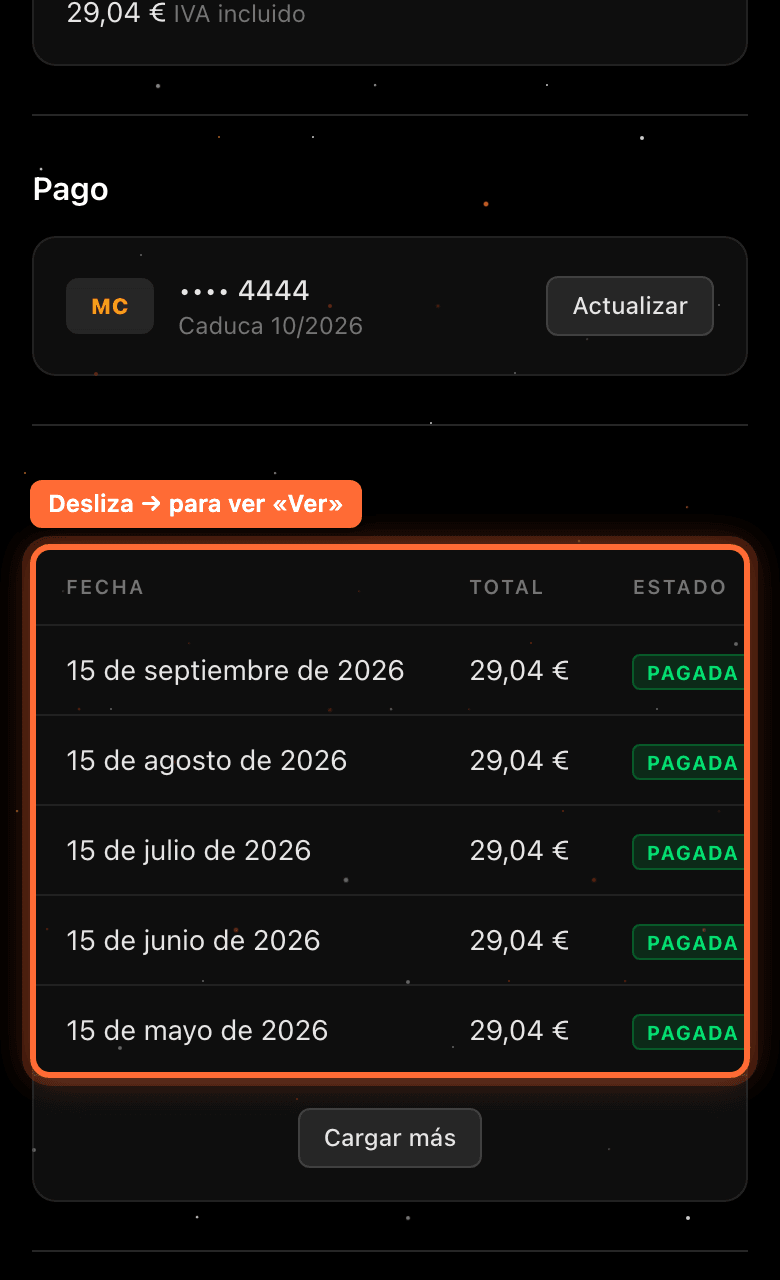
On mobile, swipe the table
On mobile the table doesn't fit on the screen: swipe it to the left to see each invoice's status and its "Ver" link.
Frequently asked questions
Why don't I see any invoices?
If your website has no invoices yet, the section shows "Todavía no hay facturas" (No invoices yet). They will appear there as they are issued.
Do the amounts include VAT?
Yes. Each invoice's "Total" is the final amount, VAT included.
I have several websites. Where are the invoices for each one?
Each website has its own billing. Open the "Facturación" tab of each website to see its invoices.
I have a pending invoice. How do I pay it?
If you have an unpaid invoice, the "Tu plan" (Your plan) section shows the message "Tienes una factura pendiente de pago de …" (you have an unpaid invoice of …) with the "Pagar factura" (Pay invoice) button.