1
Go to Coupons
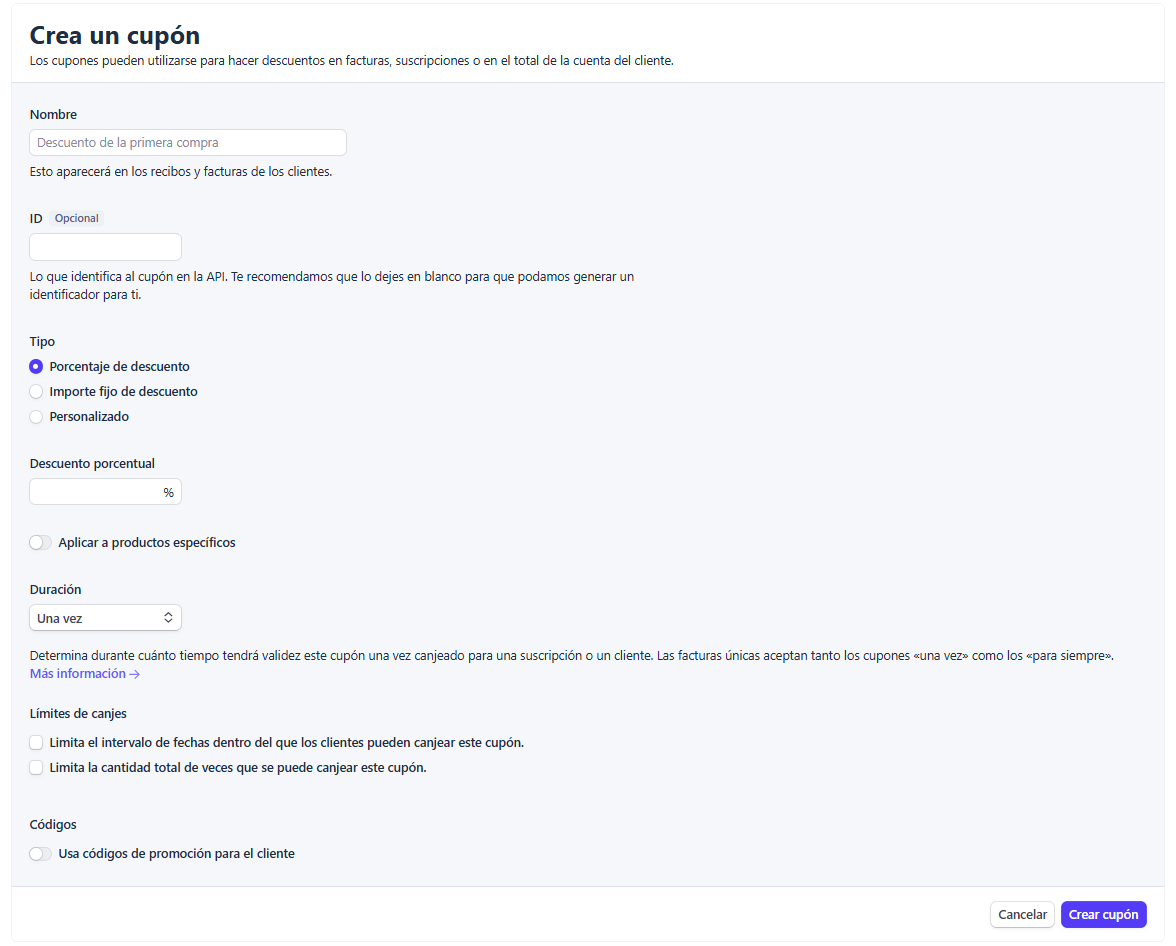
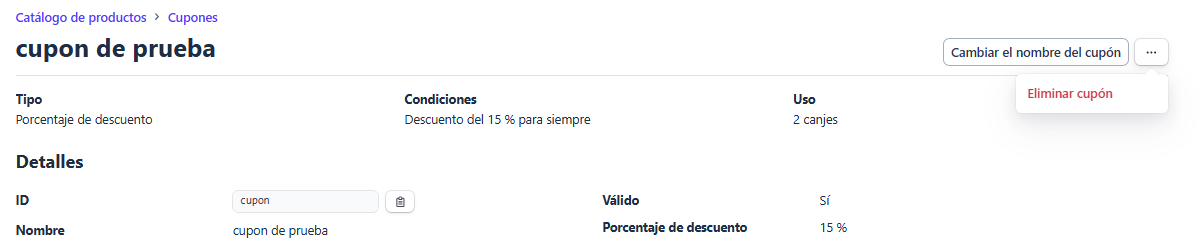
In your Stripe dashboard, open Product catalog and go to the Coupons tab. There you'll see your existing coupons, with their conditions, how many times they've been redeemed and whether they're active. Click Create coupon in the top right.
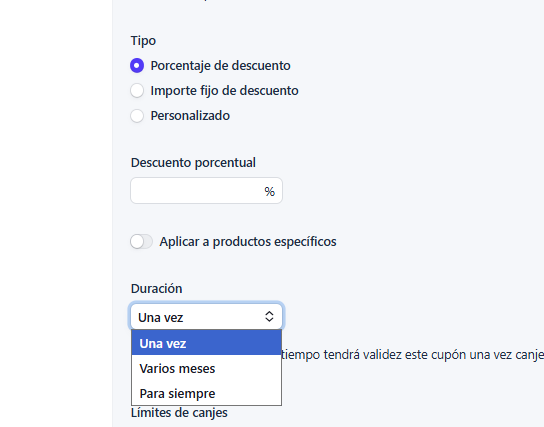
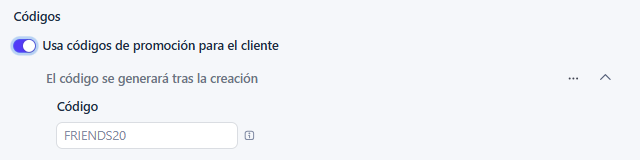
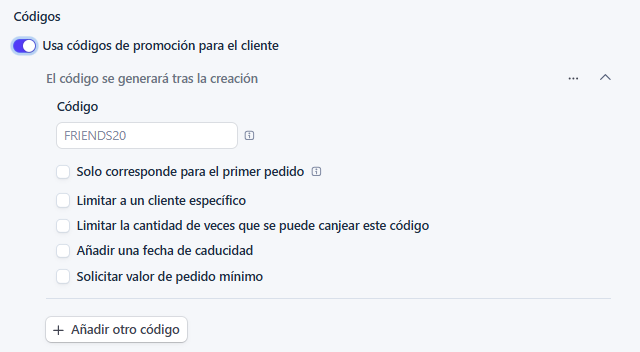
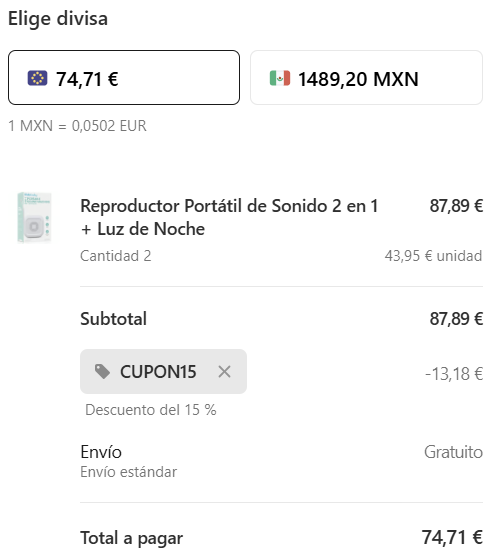
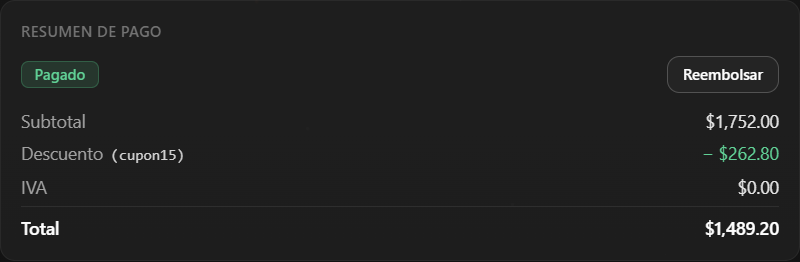
A coupon defines the discount (for example, 15% off). Customers don't type the coupon itself but a promotion code linked to it, which you'll create in step 4. That way you can have several different codes (one per influencer, for example) with the same discount.